InputBox Tipe Password di Macro VBA Microsoft Excel
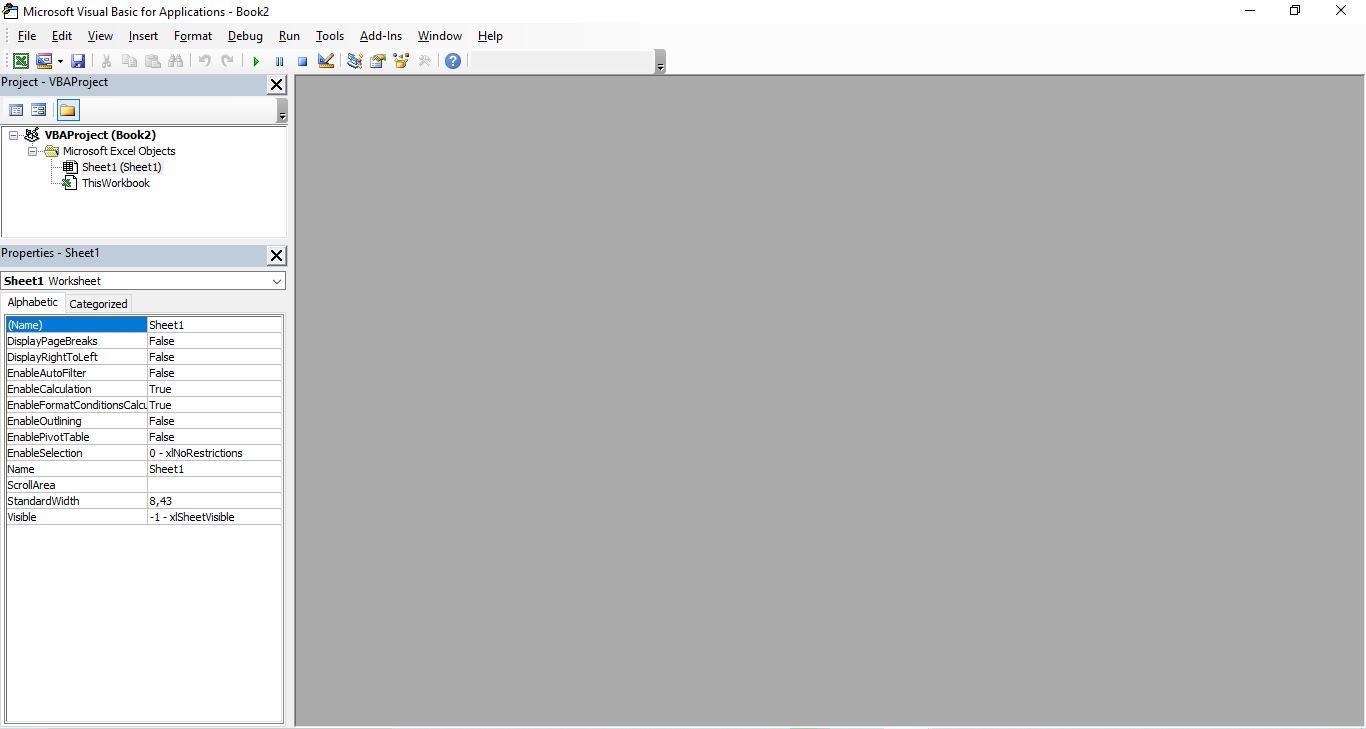
Buatlah Sebuah Module dengan cara :

- Klik Menu Insert
- Pilih Module
setelah module dibuat, masukkan koding berikut ini :
Option Explicit
'----------------------------------
'API CONSTANTS FOR PRIVATE INPUTBOX
'----------------------------------

#If VBA7 Then
    Private Declare PtrSafe Function CallNextHookEx Lib "user32" (ByVal hHook As LongPtr, _
        ByVal ncode As Long, ByVal wParam As LongPtr, lParam As Any) As LongPtr
    Private Declare PtrSafe Function GetModuleHandle Lib "kernel32" Alias _
        "GetModuleHandleA" (ByVal lpModuleName As String) As LongPtr
    Private Declare PtrSafe Function SetWindowsHookEx Lib "user32" Alias "SetWindowsHookExA" _
        (ByVal idHook As Long, ByVal lpfn As LongPtr, ByVal hmod As LongPtr, ByVal dwThreadId As Long) As LongPtr
    Private Declare PtrSafe Function UnhookWindowsHookEx Lib "user32" (ByVal hHook As LongPtr) As Long
    Private Declare PtrSafe Function SendDlgItemMessage Lib "user32" Alias "SendDlgItemMessageA" _
        (ByVal hDlg As LongPtr, ByVal nIDDlgItem As Long, ByVal wMsg As Long, ByVal wParam As LongPtr, ByVal lParam As LongPtr) As LongPtr
    Private Declare PtrSafe Function GetClassName Lib "user32" Alias "GetClassNameA" _
        (ByVal hwnd As LongPtr, ByVal lpClassName As String, ByVal nMaxCount As Long) As Long
    Private Declare PtrSafe Function GetCurrentThreadId Lib "kernel32" () As Long
#Else
    Private Declare Function CallNextHookEx Lib "user32" (ByVal hHook As Long, _
        ByVal ncode As Long, ByVal wParam As Long, lParam As Any) As Long
    Private Declare Function GetModuleHandle Lib "kernel32" Alias _
        "GetModuleHandleA" (ByVal lpModuleName As String) As Long
    Private Declare Function SetWindowsHookEx Lib "user32" Alias "SetWindowsHookExA" _
        (ByVal idHook As Long, ByVal lpfn As Long, ByVal hmod As Long, _
        ByVal dwThreadId As Long) As Long
    Private Declare Function UnhookWindowsHookEx Lib "user32" (ByVal hHook As Long) As Long
    Private Declare Function SendDlgItemMessage Lib "user32" Alias "SendDlgItemMessageA" _
        (ByVal hDlg As Long, ByVal nIDDlgItem As Long, ByVal wMsg As Long, _
        ByVal wParam As Long, ByVal lParam As Long) As Long
    Private Declare Function GetClassName Lib "user32" Alias "GetClassNameA" _
        (ByVal hwnd As Long, ByVal lpClassName As String, ByVal nMaxCount As Long) As Long
    Private Declare Function GetCurrentThreadId Lib "kernel32" () As Long
#End If

'Constants to be used in our API functions
Private Const EM_SETPASSWORDCHAR = &HCC
Private Const WH_CBT = 5
Private Const HCBT_ACTIVATE = 5
Private Const HC_ACTION = 0

#If VBA7 Then
    Private hHook As LongPtr
#Else
    Private hHook As Long
#End If

'----------------------------------
'PRIVATE PASSWORDS FOR INPUTBOX
'----------------------------------

'////////////////////////////////////////////////////////////////////
'Password masked inputbox
'Allows you to hide characters entered in a VBA Inputbox.
'
'Code written by Daniel Klann
'March 2003
'64-bit modifications developed by Alexey Tseluiko
'and Ryan Wells (wellsr.com)
'February 2019
'////////////////////////////////////////////////////////////////////

#If VBA7 Then
Public Function NewProc(ByVal lngCode As Long, ByVal wParam As Long, ByVal lParam As Long) As LongPtr
#Else
Public Function NewProc(ByVal lngCode As Long, ByVal wParam As Long, ByVal lParam As Long) As Long
#End If

    Dim RetVal
    Dim strClassName As String, lngBuffer As Long
    If lngCode < HC_ACTION Then
        NewProc = CallNextHookEx(hHook, lngCode, wParam, lParam)
        Exit Function
    End If

    strClassName = String$(256, " ")
    lngBuffer = 255
    If lngCode = HCBT_ACTIVATE Then 'A window has been activated
        RetVal = GetClassName(wParam, strClassName, lngBuffer)
        If Left$(strClassName, RetVal) = "#32770" Then
            'This changes the edit control so that it display the password character *.
            'You can change the Asc("*") as you please.
            SendDlgItemMessage wParam, &H1324, EM_SETPASSWORDCHAR, asc("*"), &H0
        End If
    End If
    'This line will ensure that any other hooks that may be in place are
    'called correctly.
    CallNextHookEx hHook, lngCode, wParam, lParam
End Function

Function InputBoxDK(Prompt, Title) As String
#If VBA7 Then
    Dim lngModHwnd As LongPtr
#Else
    Dim lngModHwnd As Long
#End If

    Dim lngThreadID As Long
    lngThreadID = GetCurrentThreadId
    lngModHwnd = GetModuleHandle(vbNullString)
    hHook = SetWindowsHookEx(WH_CBT, AddressOf NewProc, lngModHwnd, lngThreadID)
    InputBoxDK = InputBox(Prompt, Title)
    UnhookWindowsHookEx hHook
End Function
Untuk mencobanya silahkan buat sebuah form dan 1 buah commandbutton melalui menu Insert >> Userform :
doubleclick pada Commandbutton1 tersebut dan masukkan koding berikut ini :
 Dim x
    x = InputBoxDK("Silahkan Masukkan Password", "Password Required")
    If x <> "passwordkamu" Then
        MsgBox "Maaf Password Salah", vbInformation, "Pemberitahuan"
    Else
        MsgBox "Password Benar", vbInformation, "Pemberitahuan"
    End If
Silahkan coba Run.